The first time you log in to WoW: Forever, before you even pick a ruleset, the game asks you to Choose Your Experience Preset: Classic or Enhanced. Classic gives a cleaner, more original-style game with Standard Definition models and less on-screen guidance. Enhanced turns on High Definition models and modern helpers. The choice only sets your starting options: you can change every one of them later, and each character can still pick HD or SD models.
Classic vs Enhanced: every default setting
| Setting | Classic | Enhanced |
|---|---|---|
| Character models | Standard Definition (SD) | High Definition (HD) |
| Quest points of interest and objective areas on the map | Off | On |
| One combined bag | Off | On |
| Transmog | Off | On |
| Default movement keys | Keyboard turns the camera | Keyboard strafes |
| Screen layout | Classic UI layout | Centered UI layout |
Classic is the closer match to how World of Warcraft looked and played in 2004: simpler visuals, fewer interface features switched on and less automatic guidance. Enhanced is the updated presentation with higher visual fidelity and the extra interface features enabled by default.
Which preset should you choose?
- New to World of Warcraft: Enhanced. Blizzard’s own advice is to start with Enhanced if you are not sure. Quest markers on the map and one combined bag are on from your first quest.
- Coming back for the original feel: Classic. You start with SD models, no quest markers and the classic layout, and transmog stays off so everyone looks the way their gear really looks.
- In between: pick either and change single settings afterwards. For example, Classic with quest markers switched on, or Enhanced with SD models.
You only see the preset screen once. After that, change the options under Game Menu > Options (the preset itself is under System > Preset).
HD vs SD character models
- Per character. Each time you create a character, you choose High Definition or Standard Definition models and animations, whatever preset you picked.
- Looks only. The choice changes appearance, never abilities or progression.
- Changeable later in the Options menu or by visiting a barbershop in game.
- HD with Classic movement. HD models use restored Classic animations, so they move the way the original characters did.
- Skyborne: at launch the Skyborne have HD models only. SD Skyborne models and SD Druid forms are in development for early 2027, after players said HD Skyborne looked out of place next to SD characters. See the Skyborne guide.
Transmog on or off
Transmog is the one preset setting that changes what you see of other players. With it off, everyone around you appears in their real equipped gear. With it on, you see their chosen appearances. Even with transmog off you keep collecting appearances, so you can switch it on later without losing anything, and you can still hide your own helm or cloak. Transmogrifiers in certain cities let you set outfits or disable the system. More in WoW Forever vs Classic.
Other visual choices
- Graphics: a Bloom Intensity slider sits under Advanced graphics. The Ray Traced Shadows option was taken out during the beta to be fixed and re-added later.
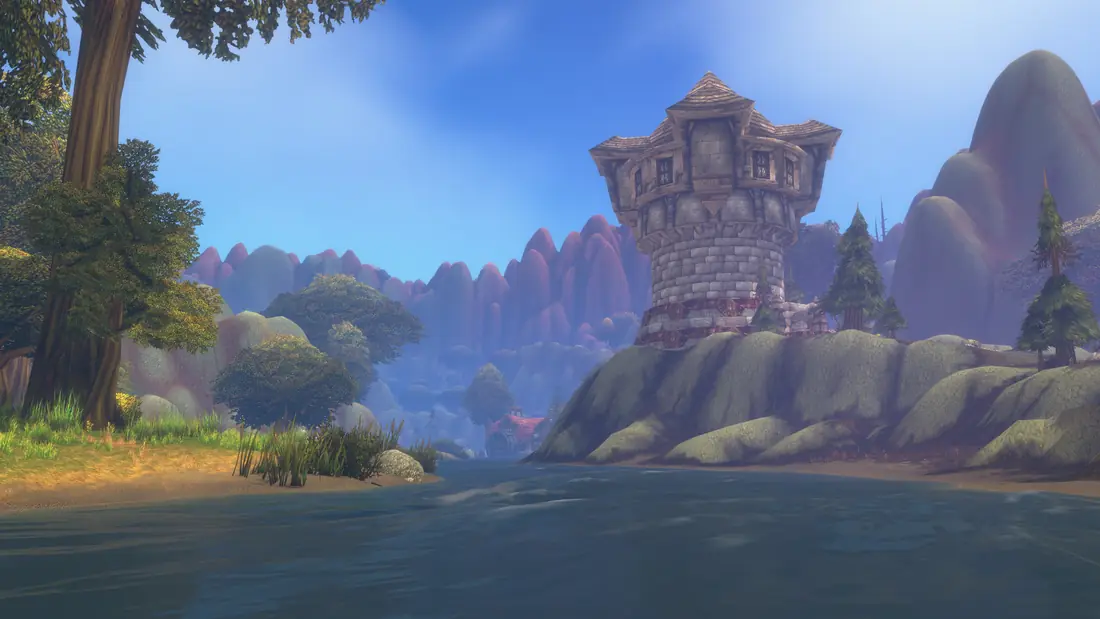
- The world itself is the same in both presets: rivers flow through Elwynn Forest, mist hangs over Darkshore and moonlight breaks through Ashenvale’s trees, in the original art style.
- Combat tools: advanced options include the Cooldown Manager and a Damage Meter, whichever preset you pick.
- Controllers: gamepad support works with either preset and has its own Edit Mode layout. Blizzard still calls it a beta state. See the system requirements.
Related guides
Sources
Facts on this page come from the sources below: official Blizzard posts unless marked as a secondary source. If Blizzard changes something, we update the page and the date above.
- WoW: Forever: What's New and What Feels Familiar (2026-11-04)
- Explore WoW: Forever with a Gamepad (2026-11-04)
- World of Warcraft: Forever Goes Live Globally November 4! (2026-10-30)
- Return to Azeroth in World of Warcraft: Forever (2026-10-30)
- New Player's Starter Guide: Welcome to World of Warcraft: Forever (2026-10-30)
- World of Warcraft: Forever What's Next Panel Recap (2026-09-13)
- World of Warcraft: Forever Deep Dive Panel Recap (2026-09-14)
- The Future of Skyborne Visual Updates (2026-10-08)