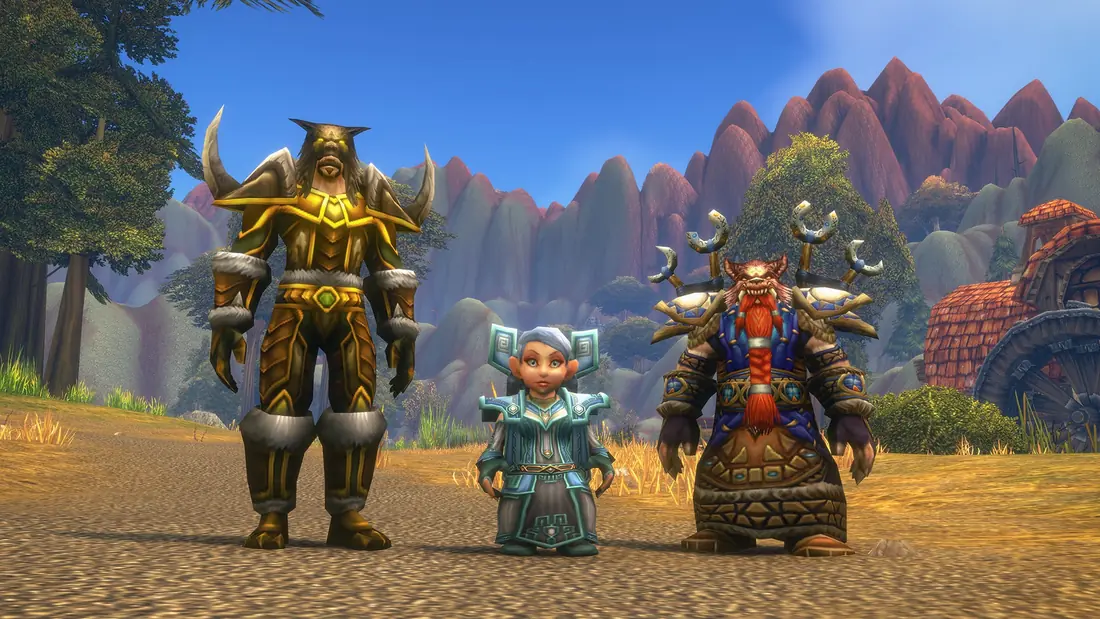
Early Name Reservation for World of Warcraft: Forever runs from October 27 to November 3, 2026. Eligible players can create and customize up to three characters before launch, and names are first come, first served. Start times differ by region, so check yours below.
Start times by region
Blizzard published one start time per region. Each box shows the official time and converts it to your own time zone.
North America: October 27, 1:00 p.m. PDT
Tue, Oct 27, 8:00 PM UTC (UTC)
| Region | Local time |
|---|---|
| US Pacific | Tue, Oct 27, 1:00 PM PDT |
| US Central | Tue, Oct 27, 3:00 PM CDT |
| US Eastern | Tue, Oct 27, 4:00 PM EDT |
Europe: October 27, 18:00 CET
Tue, Oct 27, 5:00 PM UTC (UTC)
| Region | Local time |
|---|---|
| UK | Tue, Oct 27, 5:00 PM GMT |
| Central Europe | Tue, Oct 27, 6:00 PM GMT+1 |
| Eastern Europe | Tue, Oct 27, 7:00 PM GMT+2 |
Korea: October 28, 07:00 KST
Tue, Oct 27, 10:00 PM UTC (UTC)
| Region | Local time |
|---|---|
| Korea | Wed, Oct 28, 7:00 AM GMT+9 |
Taiwan: October 28, 07:00 CST
Tue, Oct 27, 11:00 PM UTC (UTC)
| Region | Local time |
|---|---|
| Taiwan | Wed, Oct 28, 7:00 AM GMT+8 |
Europe returns to standard time on October 25, so 18:00 CET on October 27 is 17:00 UTC. North America is still on daylight time until November 1, so 1:00 p.m. PDT is 20:00 UTC.
Who can reserve names
Early Name Reservation is a pre-purchase bonus. You need one of the upgrade editions on that specific World of Warcraft account:
- Skyborne Heroic Pack
- Skyborne Epic Pack
- Warcraft Forever Collection (limited time)
- or the World of Warcraft: Forever Collector’s Edition
A plain subscription does not include Early Name Reservation. Everyone with a subscription or Game Time can create characters when the game launches on November 4.
The rules
- Up to three characters in total, across all rulesets. If you make two on the PvP ruleset, you can only make one more on Normal or Roleplaying. This limit only applies during Early Name Reservation.
- Names are first come, first served, and Blizzard does not guarantee any particular name.
- Choose your ruleset first. You cannot move a character between rulesets later; you would have to make a new character. On the PvP ruleset you can only have characters of one faction. See rulesets explained.
- The Roleplay-PvP ruleset was added on October 22, and Blizzard said it plans to have it available for name reservation from October 27.
- Stress test characters, names and guilds were wiped before reservations opened, so a name you used in the October 21 stress test is not held for you.
Two-part names
Forever is realmless, so names are unique per region instead of per realm. To make room for everyone, characters use two-part names, like a first and last name. Blizzard’s own example is “Ana Forever”. This makes it easier to get a name you want than on a classic realm, but popular single-word names will still go fast.
How to reserve, step by step
- Update your graphics drivers.
- Open the Battle.net desktop app and let it update.
- Select World of Warcraft.
- In the Game Version menu above the Play button, choose World of Warcraft: Forever and click Install.
- When it finishes, click Play and choose your ruleset.
- Create up to three characters with the names you want.
Before you lock in a character
- Check the race and class table: only Undead can be Horde Paladins, and only Dwarves can be Alliance Shamans.
- Skyborne characters need the Skyborne Heroic Pack or higher; all three digital upgrade editions include Skyborne access.
- Not sure about a class? Try the class picker.
Related guides
Sources
Facts on this page come from the sources below: official Blizzard posts unless marked as a secondary source. If Blizzard changes something, we update the page and the date above.
- Claim Your World of Warcraft: Forever Character Names (2026-10-21)
- Pre-Purchase World of Warcraft: Forever Upgrades (2026-09-13)
- [Updated 10/22] Choose Your Ruleset in World of Warcraft: Forever (2026-10-22)
- World of Warcraft: Forever Deep Dive Panel Recap (2026-09-14)
- [Updated Oct 16] Join the World of Warcraft: Forever Stress Test (2026-10-16)